
CSS Filter Generator
Visually create stunning, Instagram-like photo effects using pure CSS. Adjust the sliders, preview in real-time, and copy the CSS instantly.
How to Use
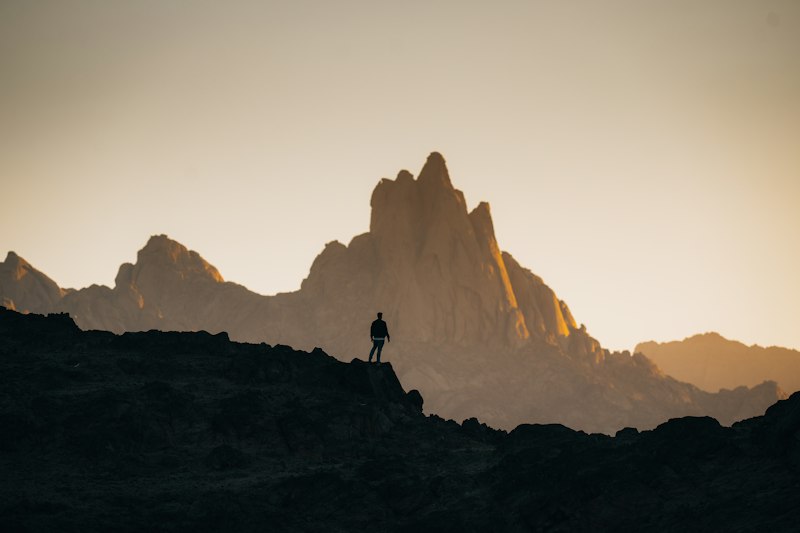
- Adjust the 8 filter sliders (Blur, Brightness, Contrast, etc.) on the left to visually modify the image.
- Watch the photo instantly update to reflect your Instagram-style filter.
- Want to test the filter on your own photo? Click Upload Custom Image.
- Once you've achieved the perfect aesthetic, click Copy to copy the raw CSS code.
Features
8 Native Filters
Full control over the entire CSS3 filter property suite.
Hardware Accelerated
CSS filters are incredibly fast and utilize the device's GPU.
Custom Previews
Upload your own local photos to see exactly how they will look.
One-Click Copy
Generates production-ready, cross-browser CSS code instantly.
Use Cases
- Image Galleries: Apply a subtle
grayscale(100%)to images, then smoothly transition them to full color on:hover. - Hero Sections: Darken a background image using
brightness(40%)so that white headline text remains readable. - Avatars & UI: Apply
sepia(100%)to user avatars to give your entire application a vintage, retro aesthetic. - Modal Backgrounds: Use
blur(5px)on your main content wrapper to create a stunning "frosted glass" effect when a popup modal opens.
Understanding CSS Filters
In the past, developers had to use heavy software like Photoshop to create multiple versions of an image (e.g., a color version and a black-and-white version) and swap them using JavaScript. Today, the CSS3 filter property applies visual effects directly in the browser.
Because CSS filters are applied by the browser's rendering engine (often utilizing the device's graphics card), they are incredibly fast and can be animated smoothly. You can chain multiple filters together (e.g., filter: blur(2px) grayscale(50%);) to create complex, cinematic effects entirely with code.
Design Toolkit
Complete your UI design workflow by pairing this tool with our Box Shadow Generator to add depth to your filtered images. Use the Border Radius Generator to perfectly crop your images into circles or blobs. If you need to embed the filtered image directly into your HTML document, convert the image file using our Base64 Encoder.
Frequently Asked Questions
Does this actually edit my uploaded image?
No. The image file itself is never altered or uploaded to a server. The tool simply applies a CSS layer over the image inside your browser. If you save the image, it will save the original file.
Are CSS filters supported on all browsers?
Yes, the CSS filter property is fully supported on all modern browsers, including Chrome, Firefox, Safari, and Edge on both desktop and mobile.
Can I apply these filters to text or divs?
Absolutely! While filters are most commonly used on <img> tags, the exact same CSS code can be applied to videos, divs, text, or even the entire <body> of a webpage.
Is it free?
Yes, 100% free with no limits.